
Notes + context
Keep the thought, too.
The estimate is only half the story. Keep the plan, the assumptions, and the next step in a local notebook beside your calculations.
Open the guide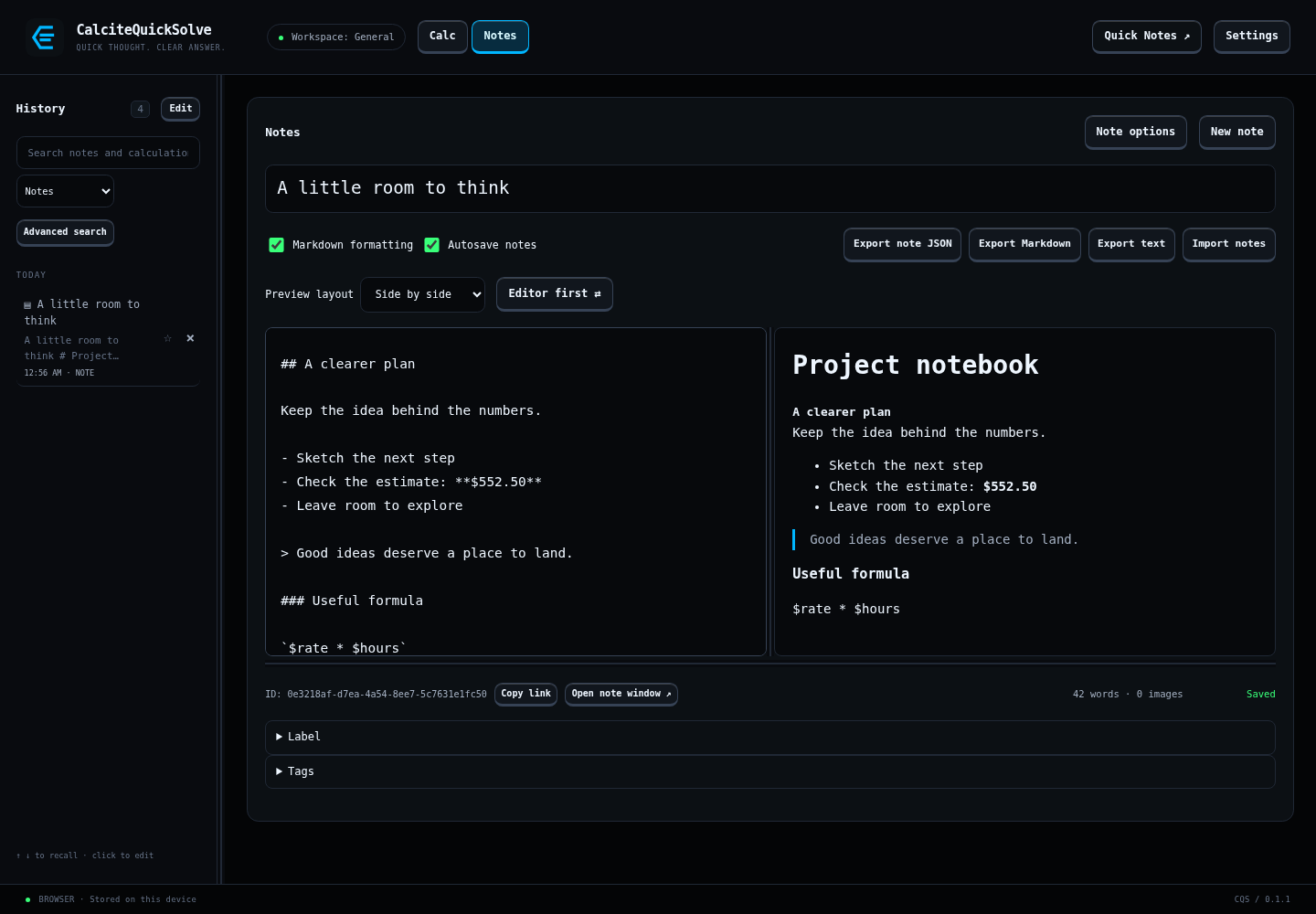
A scratchpad that grows with the idea.
Write plain text or turn on Markdown for headings, lists, code, and a formatted preview. Add images when a picture says more, or open a note in its own window.
- Give each note a useful title.
- Organize with tags, labels, and pins.
- Use Quick Notes to catch a thought without a long detour.
Find your way back.
Search titles and content, combine rules in Advanced search, and save searches you use often. Turn on semantic search to include related ideas when the wording escapes you.
Leave room to change your mind.
Autosave keeps everyday edits moving. Version history and trash give you ways to revisit an earlier note or recover one you removed.
- Export notes as Markdown, plain text, or JSON.
- Keep file backups outside the app.
- Optionally protect notes and exchange encrypted or signed note bundles.
Part of the complete workspace.
Notes are included in Full. Start a 30-day trial from Settings → License in the app to explore the workflow.
From idea to everyday