
Calculate + visualize
Follow the numbers.
A quick answer when you need one. Variables, functions, history, and interactive graphs when the question gets interesting.
Open the guideStart in a small window.
Call up Quick Calc with Ctrl + Alt + Space. Type an expression, see the answer, and get back to your work. Press Enter to save it to history.
- Reuse a result with ans, or recall earlier expressions.
- Copy the answer with Ctrl + Shift + C.
- Open the full workspace when you want more room.
Give useful numbers a name.
Save a rate, a measurement, or your own function so the next calculation starts with context. Custom variables and custom functions both use a $ prefix, including when you call the function.
$rate = 85
$hours = 6.5
$rate * $hours

$square(t) = t^2
$square(12)Think in bits, too.
Open Programmer functions beneath Scientific functions to work with bit masks, shifts, and number bases. The same operations work when typed into the expression field.
AND(12, 10)
SHL(1, 8)
HEX(255)
DEC("FF", 16)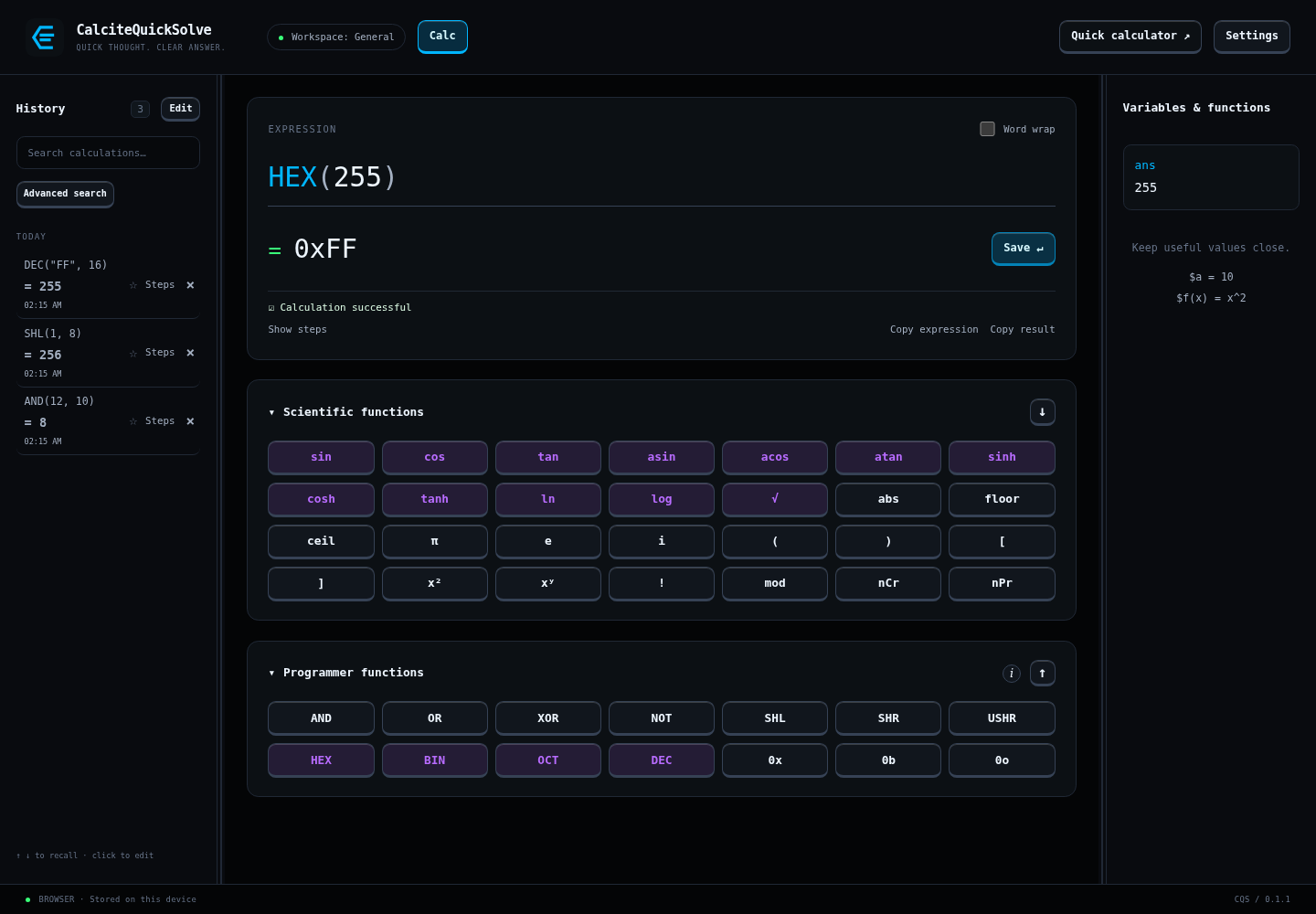
See what the expression does.
Use plot(sin(x), cos(x)) to compare curves, or explore a 3D surface. Pan, zoom, adjust ranges, and export the graph when you want to share the picture.
- The graph responds as you change the expression.
- Open a full graph for a closer look.
- Keep graph definitions with the rest of your workspace.
A calculator you can keep using.
Scientific calculations, variables, functions, history, and graphs are included in the free edition. No account is needed.
From idea to everyday